Let’s say your startup has three designers, five engineers, two freelance writers and several AI tools contributing to customer-facing work.
When the brand started, one person’s taste could keep those decisions aligned. As more people add emails, landing pages and product screens, the same choices keep coming back: how formal should the voice be? Which illustration style belongs to the product? Does this layout still feel like us?
A large brand book won’t solve that on its own. The person drafting an email is unlikely to stop and search a PDF every time the answer is unclear.
What they need is a set of working rules: a small number of current decisions stored where the work happens. The writer can check the voice in the email template. The designer can check the layout in Figma. The person building the page can see the relevant guidance in Webflow. That keeps the brand usable while the team is actually making things.

The brand book solves a distribution problem
A brand book is useful when the person using the brand sits outside the team. A journalist needs the approved logo and clear-space rules. A partner needs the correct lock-up and background treatment. The document protects basic usage in places the company does not control.
That is a distribution problem. It gives external people approved assets and tells them what not to do.
It doesn’t answer the question inside the Notion page where a writer is drafting an onboarding email, or inside the Figma file where a designer is building a pricing page. They’re making a decision in the middle of the work, so the rule needs to be available in the same place.
This is why a brand book can be perfectly correct and still fail to guide day-to-day work. A rule from six months ago may no longer be the rule the team is using. If there’s no current working version, people fill the gap with their own judgement.
Three boundaries for day-to-day decisions
We’d start with three boundaries: protected, flexible and experimental.
Protected decisions are the ones that need to remain recognisable across every touchpoint: logo clearance, the primary typeface and the core colour palette. Changing them without a reason can make the brand harder to recognise.
Flexible decisions are the ones where variation is useful rather than damaging. Illustration style can shift between a product explainer and a social post. Composition can change to fit the platform. Voice can adjust slightly between an onboarding email and a help article.
Experimental decisions are the ones you’re testing right now: a new motion style for product videos, a secondary palette for a campaign or a different grid system for a landing page template.
The categories matter more than a universal template. A brand workshop might surface ten protected decisions for one startup and only three for another. The useful part is knowing which rules hold everywhere and where the team is allowed to make a call.
Once those boundaries are visible, people know where judgement is expected and where it isn’t. The next question is where the current version of each decision should live.
One current source, applied where the work happens
Knowing which decisions can change is useful. It doesn’t tell the team where to check the current answer.
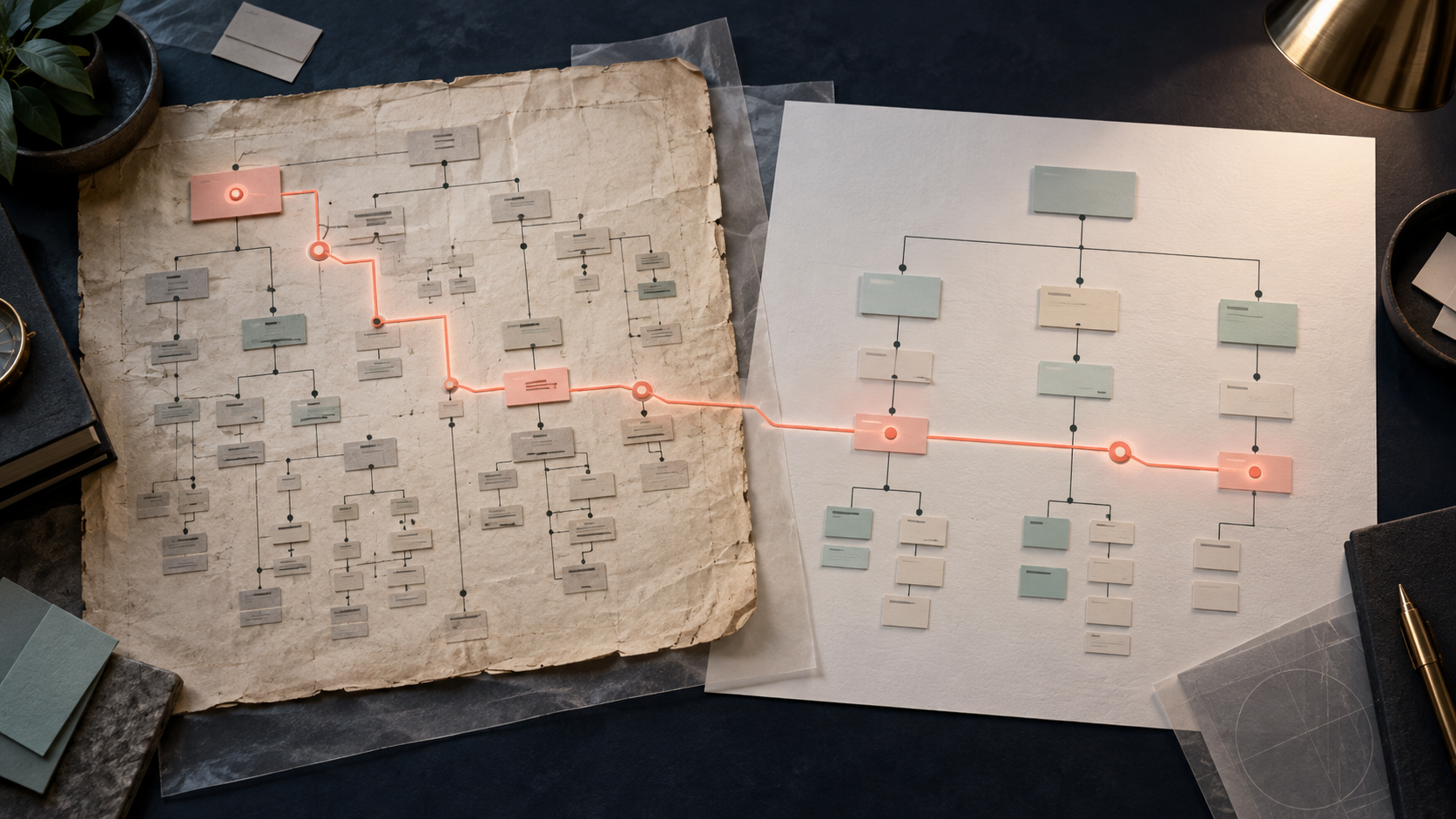
We’d keep one maintained source of truth, then expose the relevant rules in the tools where the work happens. Those working contexts aren’t competing sources. They’re applications of the current version.
Let’s say the team agrees that onboarding emails should open with a direct benefit rather than a greeting. That decision gets recorded in the maintained source, whether that’s a Notion page, a Figma file or a shared document. The email template then surfaces the rule to the writer while they’re drafting.
A different rule might govern the layout of a pricing page. That belongs in the component library, the Figma project file or Webflow’s MCP guidance, where it can be used during the build.
These tools won’t update themselves when the source changes. The owner still has to keep the working contexts aligned. That’s an important limit: the system makes the current decision easier to find, but it doesn’t remove the need to maintain it.
Without one owner, a copied rule becomes several slightly different rules. The writer follows one version, the designer follows another and the next person has to guess which one is current.
Give AI tools the same starting point
AI tools are useful here for the same reason templates are useful: they can begin with the decisions the team has already made instead of reconstructing them from a vague brief.
Once those decisions live in a maintained source, the relevant context can be made available to AI tools. The MCP specification lets servers expose files and application-specific information as resources. Figma’s project rules tell AI tools which components to use, which design tokens to apply and which implementation patterns to follow.
Let’s say a tool with access to that context is drafting a pricing page. It can start with the approved card component, the spacing tokens from the design system and the voice rule that says features should be described as outcomes rather than capabilities.
The tool applies those rules while building the page. A designer still checks the result before it goes live, because giving an AI tool the right context doesn’t guarantee that it will select or follow every rule correctly.
The useful shift is in the starting point. The tool is working from the team’s system rather than producing a generic interpretation of the brief.
Start with the decision that keeps reopening
Don’t begin by documenting every brand decision. Find one recent piece of work that felt slightly off when it went live: an email, a landing page or a social post.
- Ask which decision got reopened while someone was building it. Was it the voice, the illustration style or the layout density? Once you can name the decision, classify it as protected, flexible or experimental and give someone ownership of the current version.
- Then put the rule where it will be used: voice guidance in the email template, spacing tokens in the component library or layout rules in Webflow Instructions or the Figma project file.
The system becomes useful by resolving the questions that keep interrupting the work. It doesn’t need to document everything before the team can start using it.
High-impact websites that showcase your business and drive sales.
Explore the service →Or get in touch